
Explorer
Explorer is Sero's project workspace editor. It brings together files, editor previews, browser/preview tabs, source-control views, and workspace terminals around the active workspace and agent session.
For runtime behavior, see Containers and Host Mode. For dev-server setup, see Containers and Dev Servers.
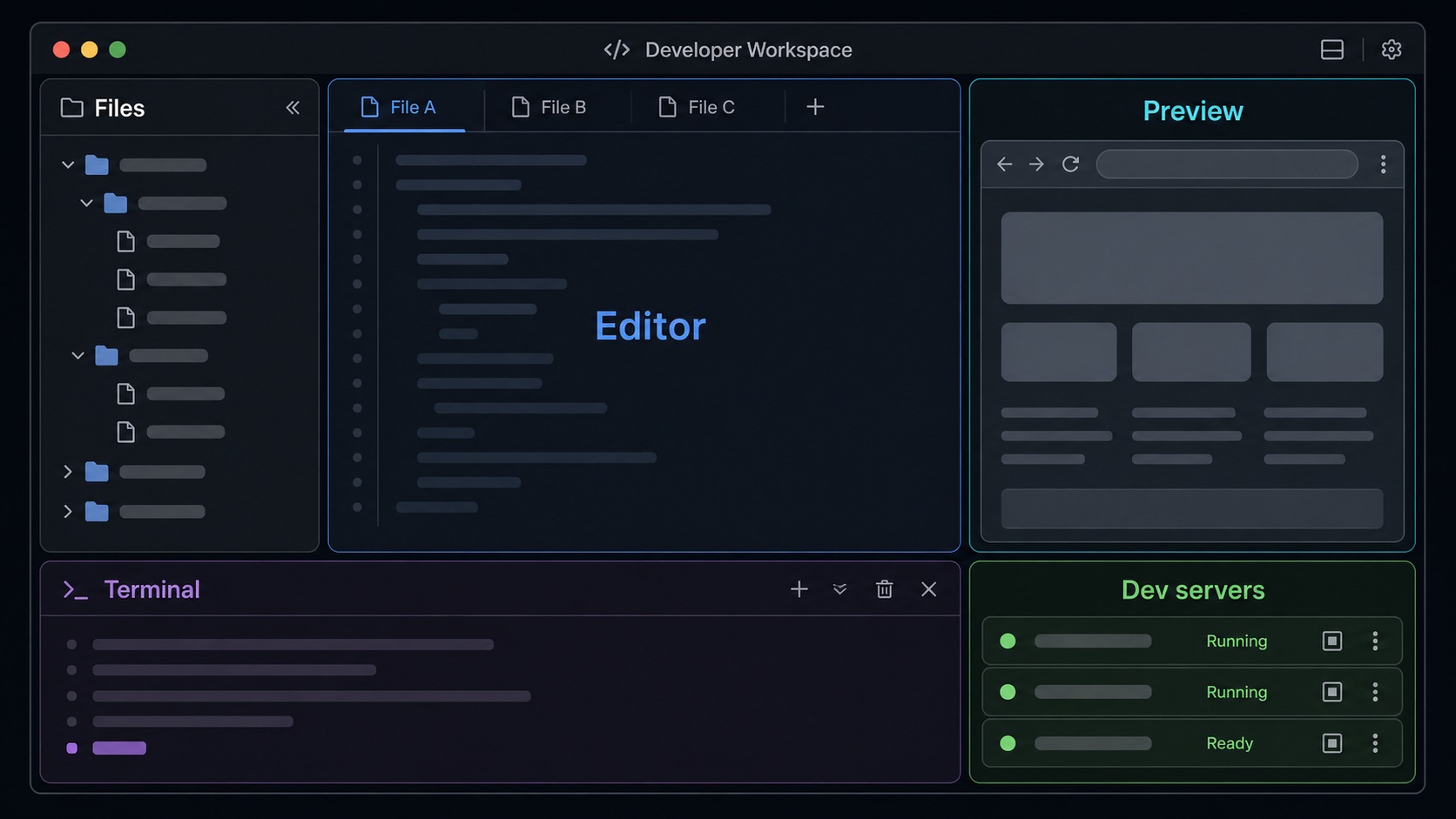
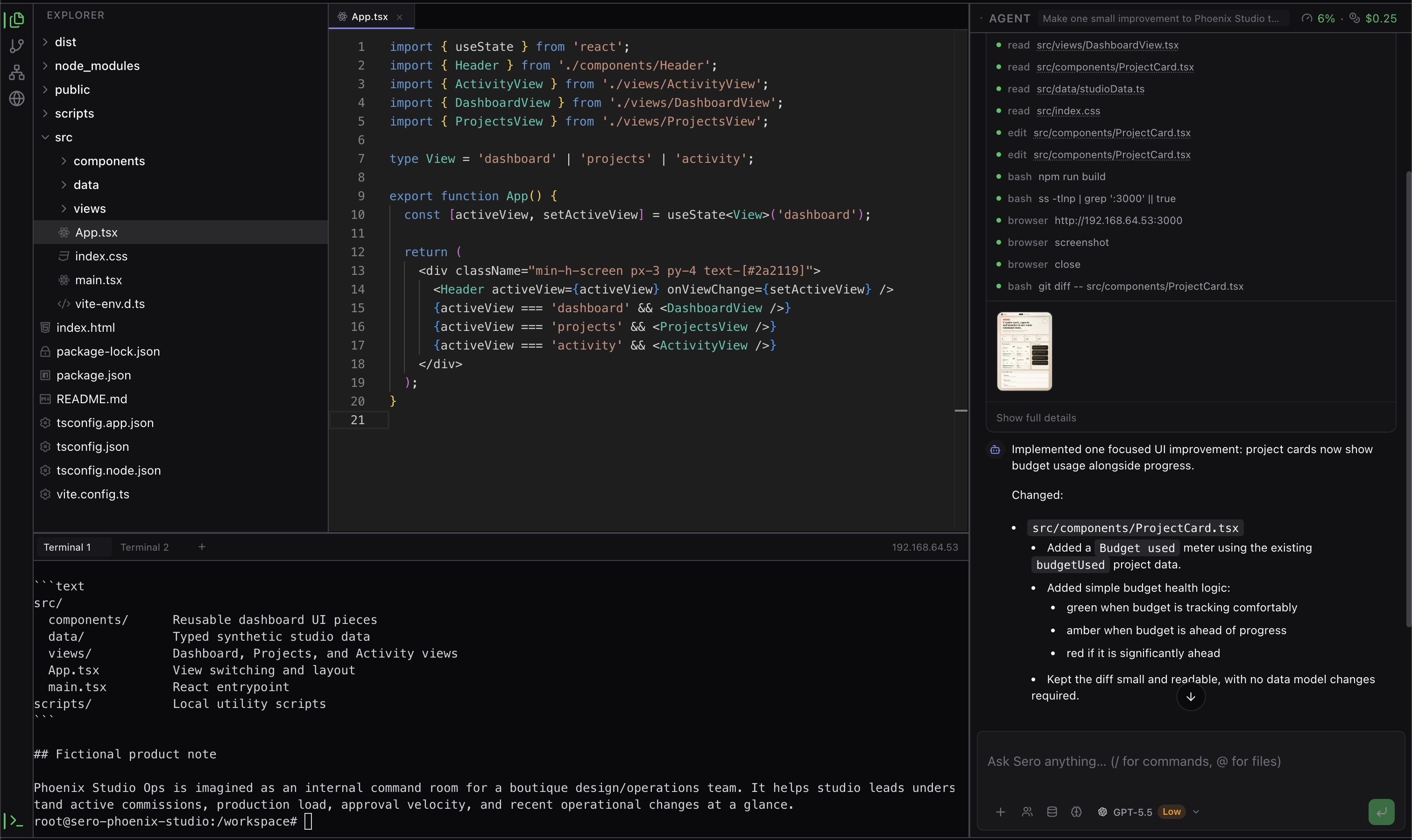
Where Explorer fits
Sero's shell has a global chat panel on the right and an active app area in the center. Explorer lives in that active app area. You can keep the same agent session open while switching between Explorer, Dashboard, and other apps.
Explorer itself is split into three main regions:
- Sidebar — workspace navigation panels such as files, source control, and orchestration.
- Main area — editor tabs, file previews, browser/preview tabs, and diff views.
- Terminal panel — workspace terminal tabs at the bottom of Explorer.
The sidebar and terminal panel can be resized or collapsed. Sero restores Explorer layout state per profile/workspace where supported.
Workspace sidebar basics
The main Sero sidebar lists registered workspaces and their sessions. From the workspace tree you can select a workspace, create or resume sessions, and use workspace actions.
Current user-facing workspace controls include:
- expand or collapse a workspace
- select the active workspace and session
- create a new session under a workspace
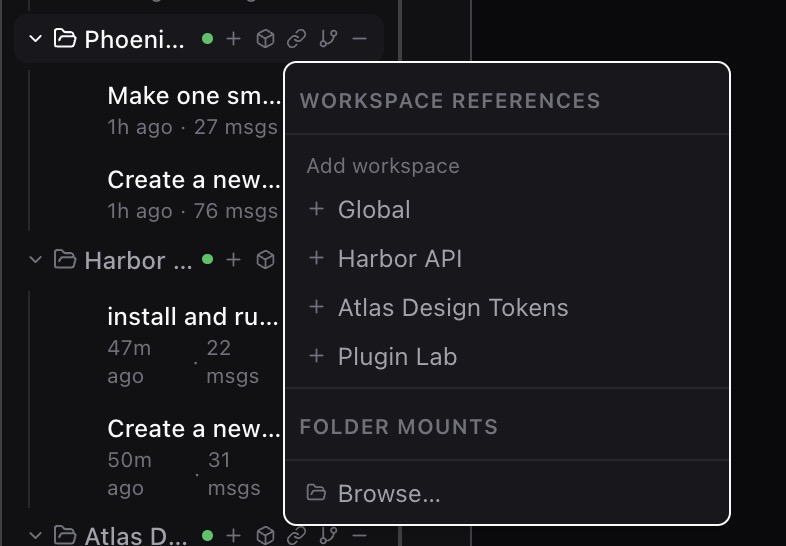
- inspect references and attached roots when present
- see a remote origin when Sero knows one
- view container status
- enable or disable container use for that workspace
- close a workspace from the sidebar
Container status may show states such as starting, running, stopped, or error. The container toggle is per workspace, not a global switch for every workspace.
Files and roots
Explorer's file panel is multi-root aware. The primary workspace root is shown alongside any attached roots discovered from the workspace configuration. Attached roots appear as separate collapsible sections and can be detached when they are not the primary root.
Typical file-tree actions include opening files and using context-menu actions such as rename or delete where available.
Keep these file-operation limits in mind:
- The primary root and attached roots are workspace concepts. They are not a public plugin API.
- File operations can depend on the selected runtime. Host is the default on supported platforms; choose Apple Container or Docker / Podman explicitly when you need container-provided tools, isolation, or container path behavior.
- Rename and delete actions change the files in the selected workspace. Keep important work in Git or another backup before you delete files.
Workspace references make attached roots and related project context visible without requiring every path to be part of the primary root.
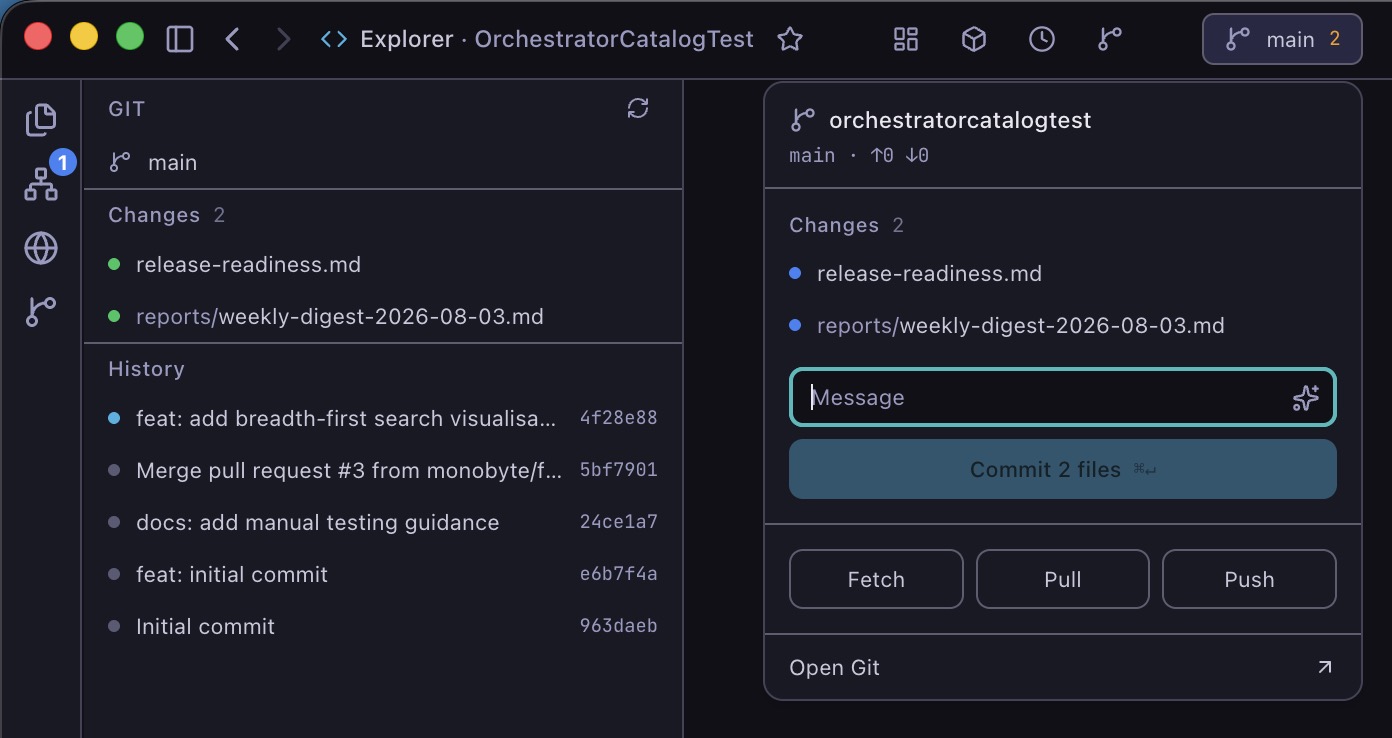
Explorer's source-control panel gives a quick view of repository state alongside the file tree. For manual checkpoints, turn undo, and restore safety, see Checkpoints and Undo.
Editor and previews
Explorer's main area can show several kinds of tabs:
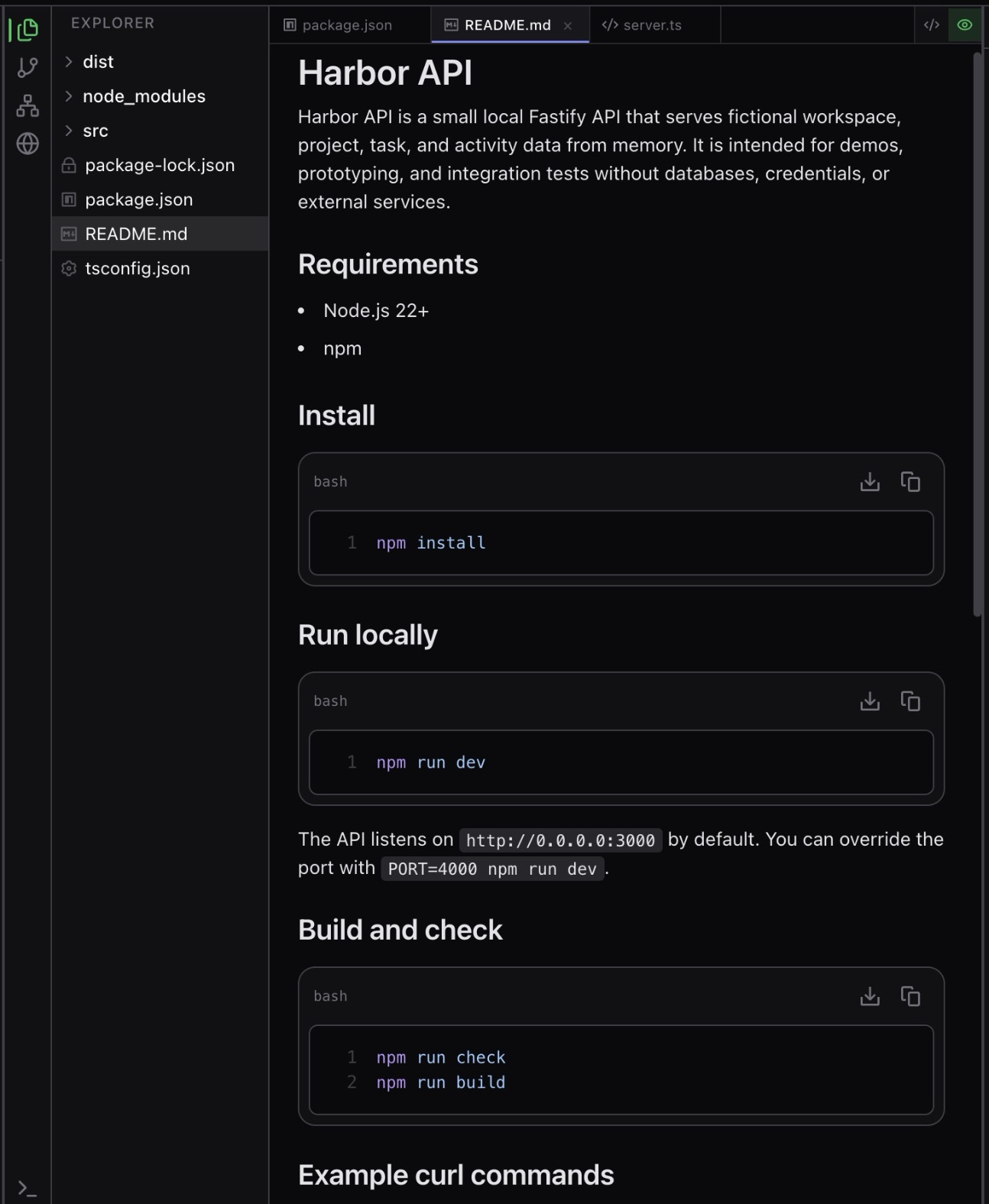
- Monaco-backed code editing for text files
- read-only previews for files Sero can display but not edit directly
- binary, media, or document previews where supported
- dev-server previews for known local servers
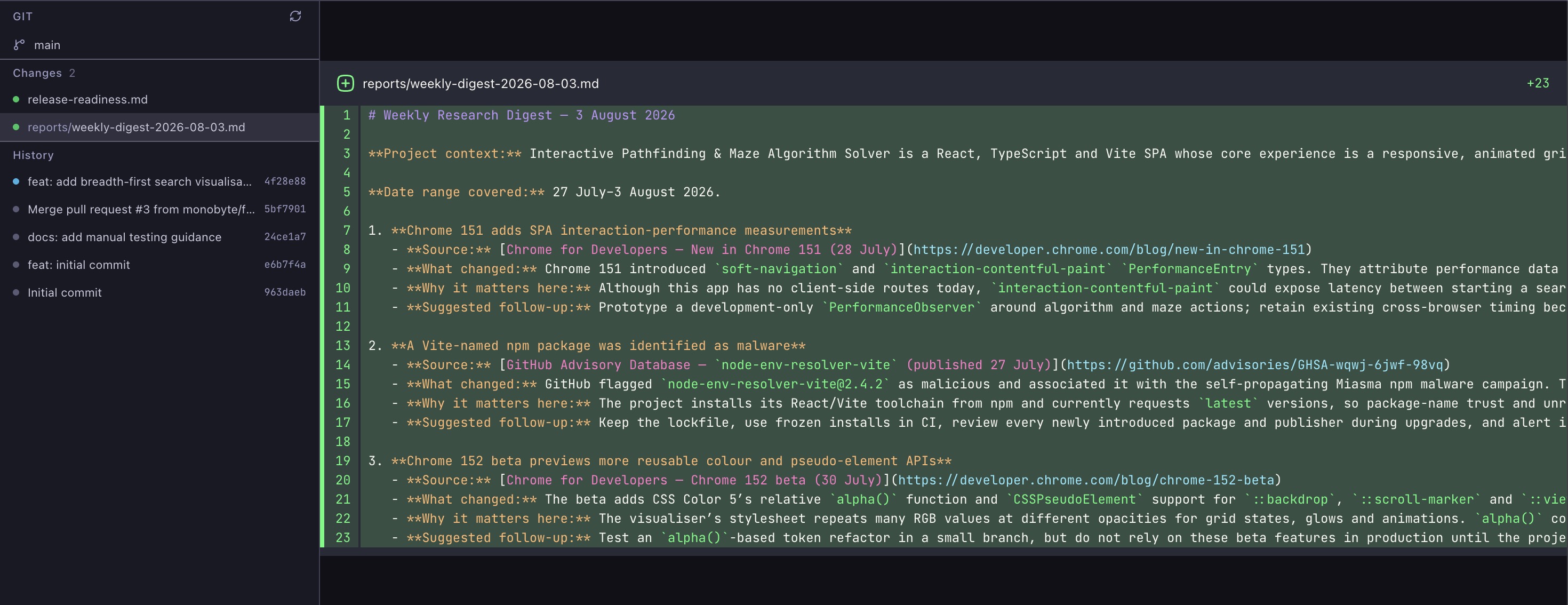
- revision-based Git diff views
The diff view shows the whole changeset in one scrollable view, with sticky file headers and unchanged regions collapsed by default. A file tree sidebar lists every changed file with its Git status, and you can search the list or click a file to jump to it. A split/unified toggle switches how each file's changes are laid out. It is designed around comparing Git revisions and changed files — do not treat it as a complete arbitrary file-comparison product.
The editor view is the normal path for reading and changing text files in the active workspace.
When the agent writes a file you already have open, the tab shows the content appearing line by line while the agent writes, marked with a pulsing dot. The tab is read-only for those few seconds and becomes editable again once the write finishes. A tab with unsaved changes is never taken over — your edits stay on screen. Explorer does not open tabs on the agent's behalf; open the file (for example by ctrl+clicking its path in a tool card) and it streams from then on.
Diff tabs are for reviewing changes and revisions before asking the agent or Git surfaces to act on them.
Browser and preview tabs
Explorer includes a workspace-scoped browser surface for project previews and web workflows. It uses Sero's in-app browser chrome around native Electron content.
Current safe expectations include:
- browser tabs belong to a workspace
- navigation and history are managed inside the Explorer browser surface
- bookmarks can be used from the browser UI
- page sharing and screenshot capture can feed chat attachments where supported
- the toolbar's element picker (powered by React Grab) copies a hovered element into the chat composer; on React dev servers this includes the component stack with source file locations
This browser surface is part of Sero's local development workflow. It is the visible in-app browser, separate from Sero's UI-backed app screenshot/recording bridge. It should not be described as a general-purpose hardened browser or a guarantee that every web app behaves like it would in your default browser. See Browser and Capture for screenshots, interactions, and recording.
The browser surface keeps local preview navigation inside the workspace context.
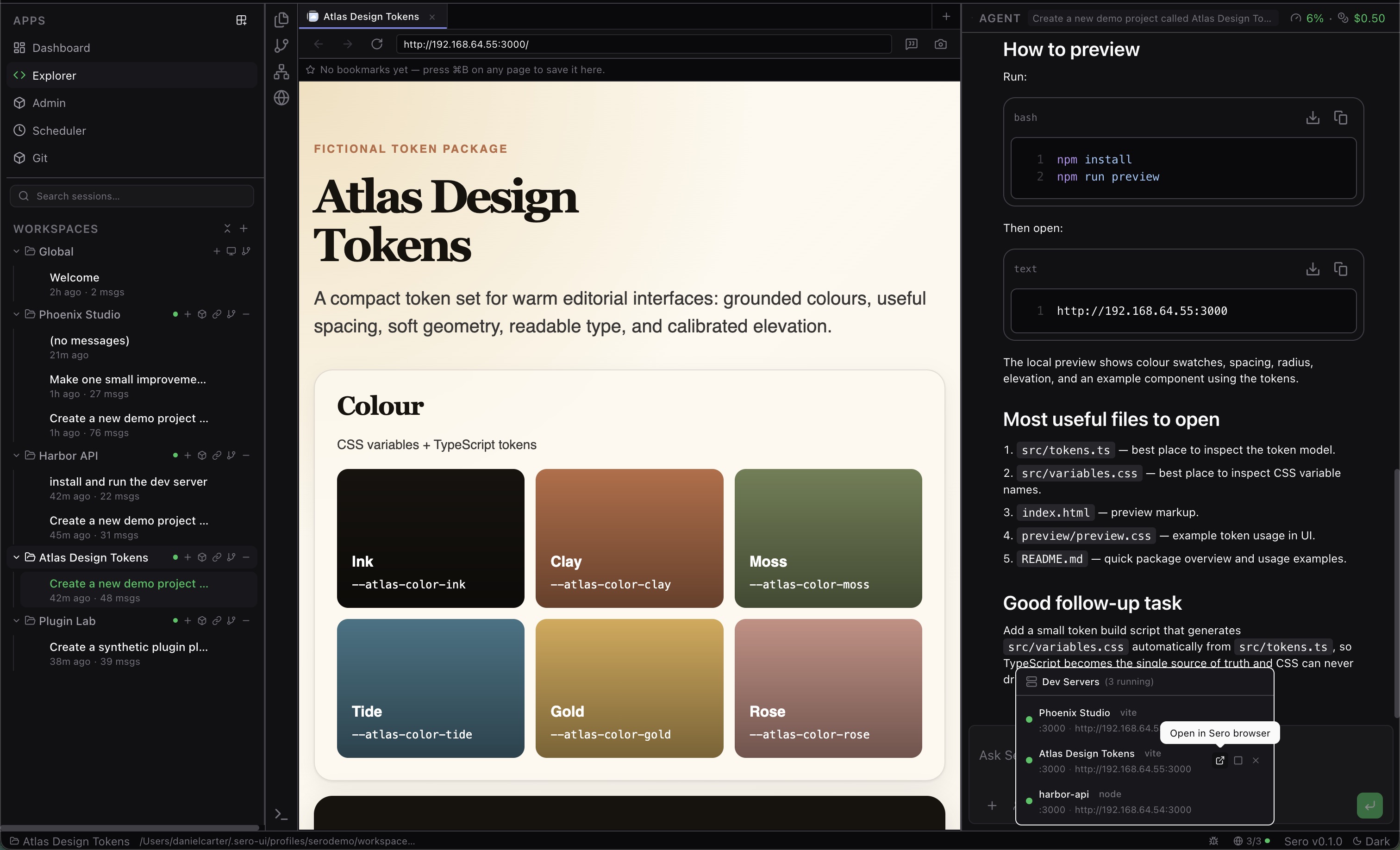
Preview tabs are useful when Sero can render a file or dev-server output more naturally than raw text.
Terminal panel
The terminal panel is workspace-scoped. Terminal tabs are created and opened for the active workspace, and terminal output can be restored when the panel remounts.
Runtime matters:
- in a container-backed workspace, terminals are expected to run through the workspace container path
- in Host mode, terminals use direct host execution
If terminal behavior differs between runtimes, include the runtime mode when filing an issue.
Dev servers
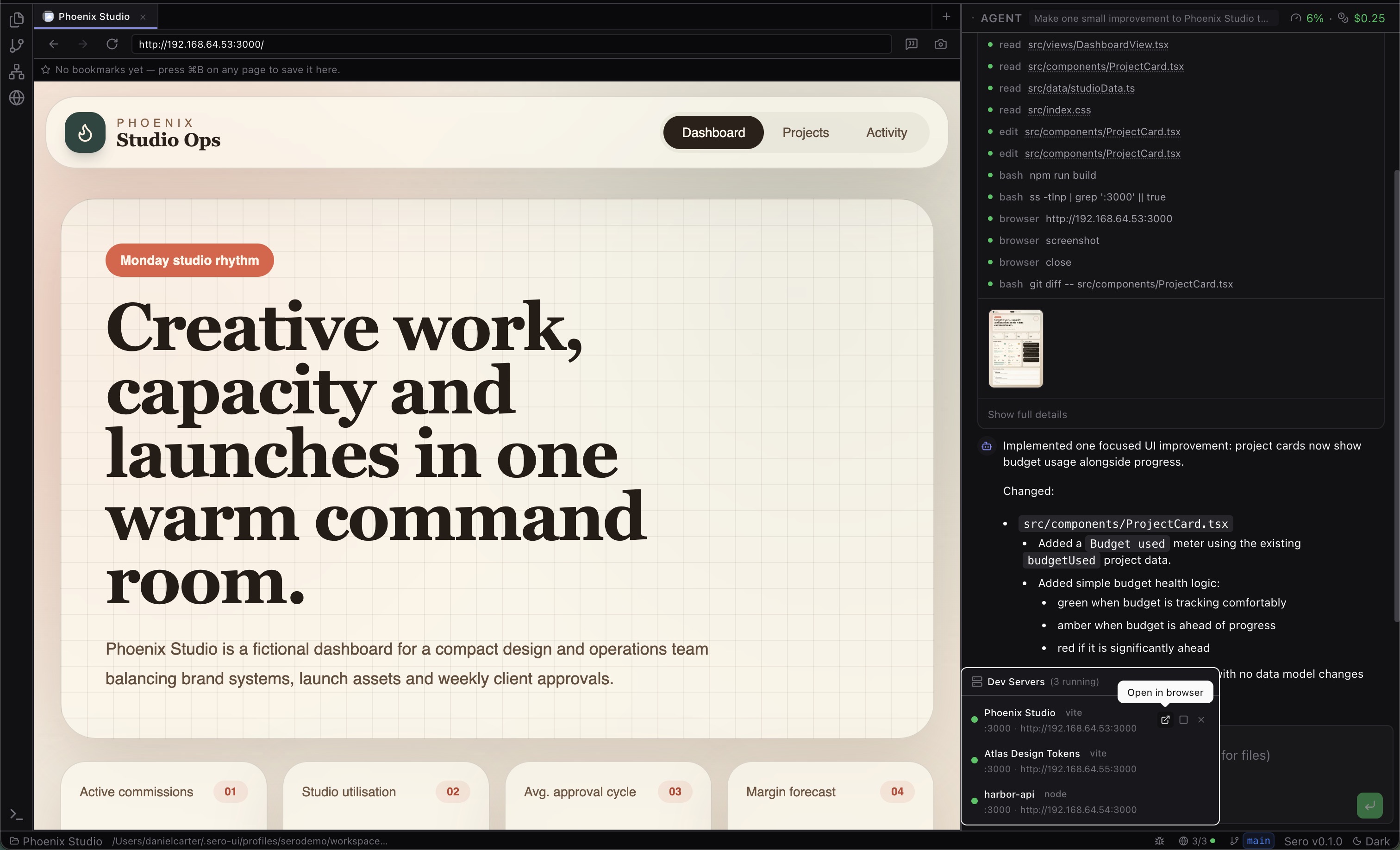
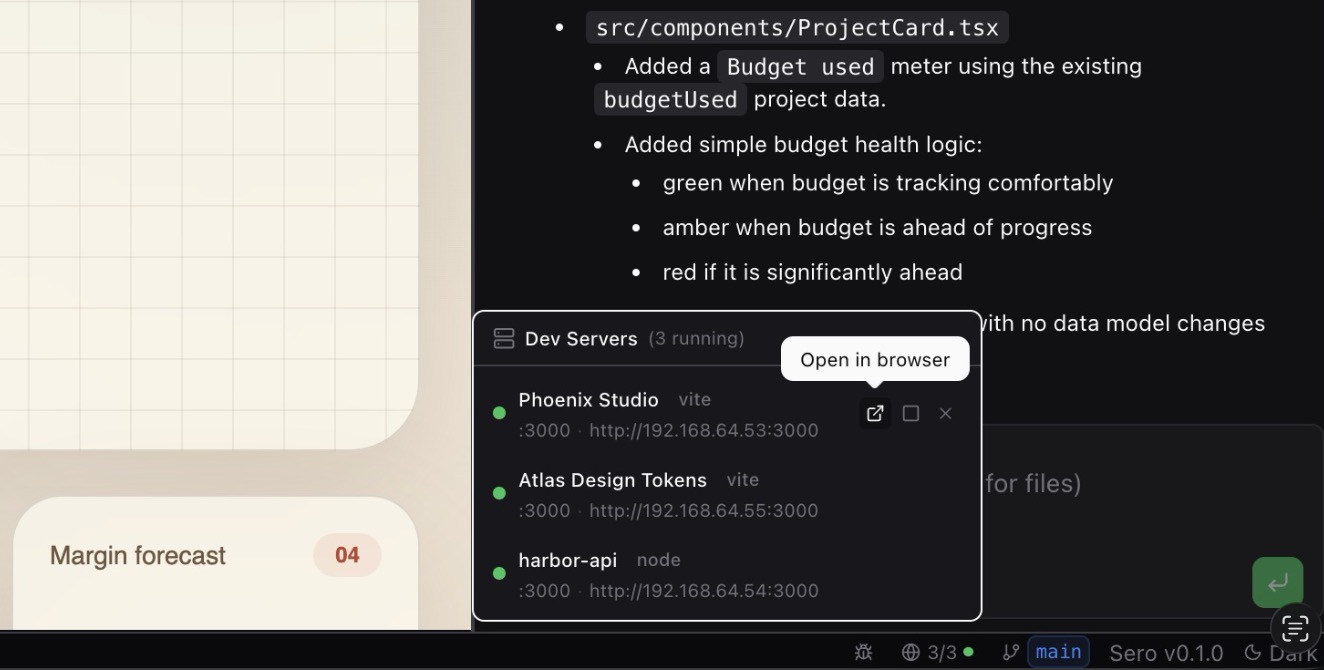
Sero has a status-bar dev-server panel for servers the runtime already knows about. The panel can display details such as framework, port, URL, and status.
Current actions include:
- open the server in the browser
- stop a registered server
- restart a registered server
- remove/unregister an entry
This panel reflects registered dev servers; it is not a guarantee that Sero will automatically discover, start, or manage every project server. Host is the default runtime on supported platforms and uses normal localhost URLs. If you explicitly choose Apple Container or Docker / Podman, Sero can return a host-reachable preview URL from the container runtime without requiring the project to own a fixed host port. This reduces host port conflicts, but it does not guarantee that every network, proxy, DNS, or framework binding issue disappears.
Typical command flow:
Runtime limits
Current runtime facts:
- Host is the default runtime on supported platforms, including Windows x64.
- Choose Apple Container or Docker / Podman explicitly when you want container-provided tools, container isolation, browser automation from the runtime image, or container networking behavior.
- Host supports core chat, file browsing/editing, terminals, and general host-shell workflows, but it is not feature-equivalent to container runtimes.
- Containers are not documented as a hardened multi-tenant security boundary.
See Support Scope for the canonical support matrix.
Troubleshooting checklist
When Explorer behavior is confusing:
- Confirm the active workspace and session in the main sidebar.
- Check whether the workspace is using container-backed mode or host mode.
- If container-backed, verify the container runtime with the checks in Containers and Host Mode.
- If a dev server is missing from the status panel, confirm the project server is actually registered/running rather than assuming Sero auto-discovered it.
- If a preview fails, confirm the server binds
0.0.0.0, use the current URL fromsero devserver list, and re-register after container restarts if needed. - Check logs before filing an issue:
When reporting a bug, include the runtime mode, workspace type, and the smallest redacted log excerpt that shows the failure.